More sockets share a route
A hub gives several devices access to one host connection. It does not turn that connection into several independent links with unlimited capacity. A keyboard and mouse place different demands on it from several fast storage devices. List what you will attach and what will be used at the same time before choosing by port count.
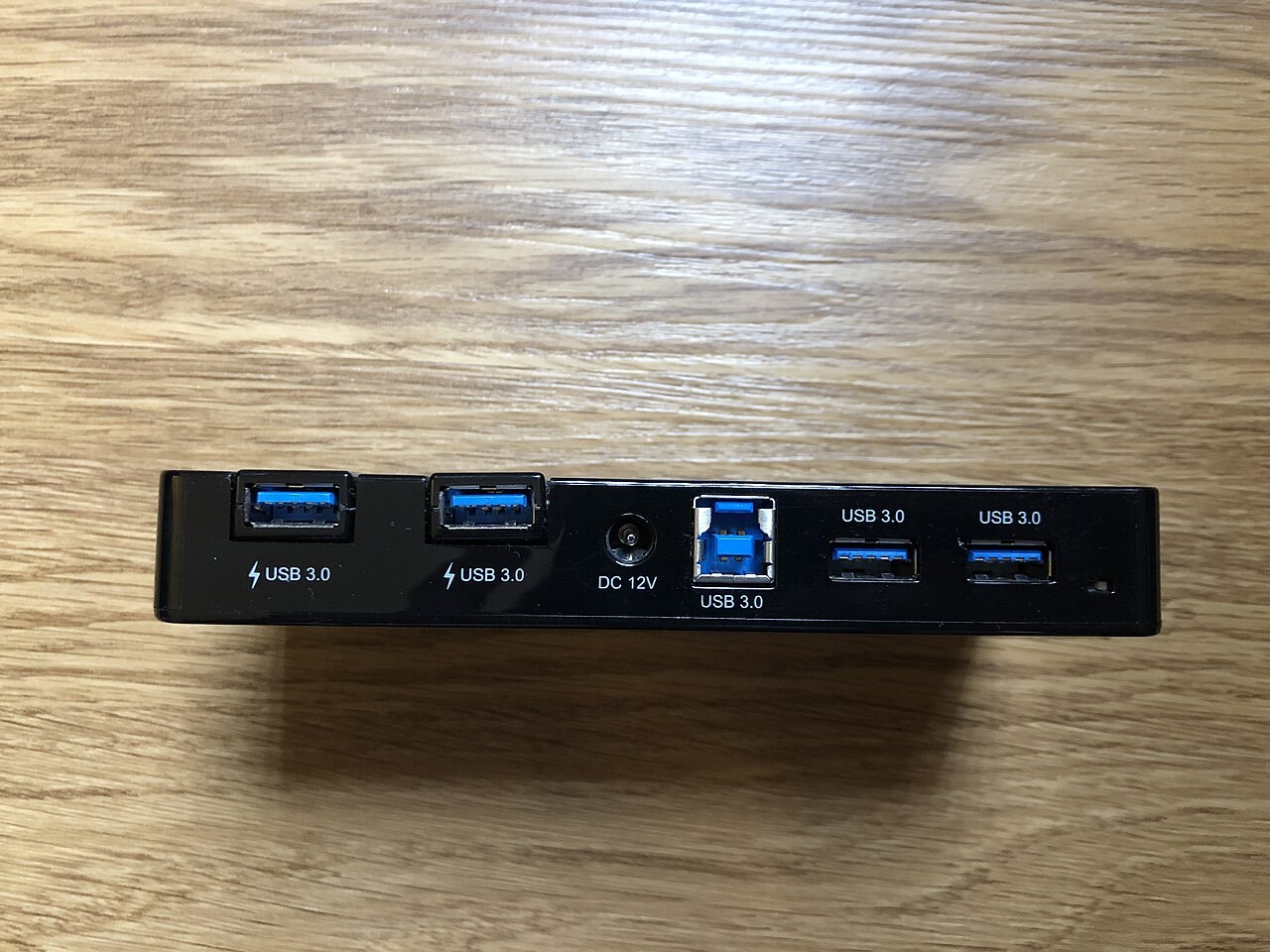
Check the hub's upstream connection to the computer and the specifications of the individual downstream ports. A USB-C plug does not identify the speed of every socket. Some products include a mixture of faster and slower ports, which may be perfectly adequate if the arrangement matches your devices.
Power needs its own check
A bus-powered hub draws power through the host connection. A separately powered hub uses its own supply for the arrangement described by its manufacturer. Neither label tells you that every connected device will receive any amount of power it requests. Check the total and per-port limits, especially for drives or other equipment with higher demands.
A socket labelled for charging may not transfer data, and a power-input socket may not be a general accessory port. Read the diagram rather than experimenting with every opening. If the product offers laptop charging pass-through, check how much power reaches the laptop after the hub's own requirements are accounted for.
Place it where cables can work
Compare the fixed upstream cable length with the distance to your computer. A hub hanging from a laptop port is an awkward arrangement, particularly when several cables pull in different directions. Leave space around connectors so wide plugs do not block adjacent sockets. A photograph showing empty ports can conceal this issue.
Test the intended devices together after setup. Transfer a non-critical file to a storage device while checking that other peripherals remain connected. If trouble appears, reduce the arrangement and reconnect devices one at a time; changing the hub, cable and drive simultaneously hides useful clues. For a simple keyboard-and-mouse setup, a clearly specified modest hub may be enough. For storage or charging, the complete data and power path deserves closer attention.