A diagonal does not describe the desk
The advertised screen size is a diagonal measurement. Width, height and stand depth determine how the monitor occupies your desk. A widescreen and a differently proportioned display with similar diagonals can use the space differently. Look at the full dimensions with the stand fitted, not only the panel size.
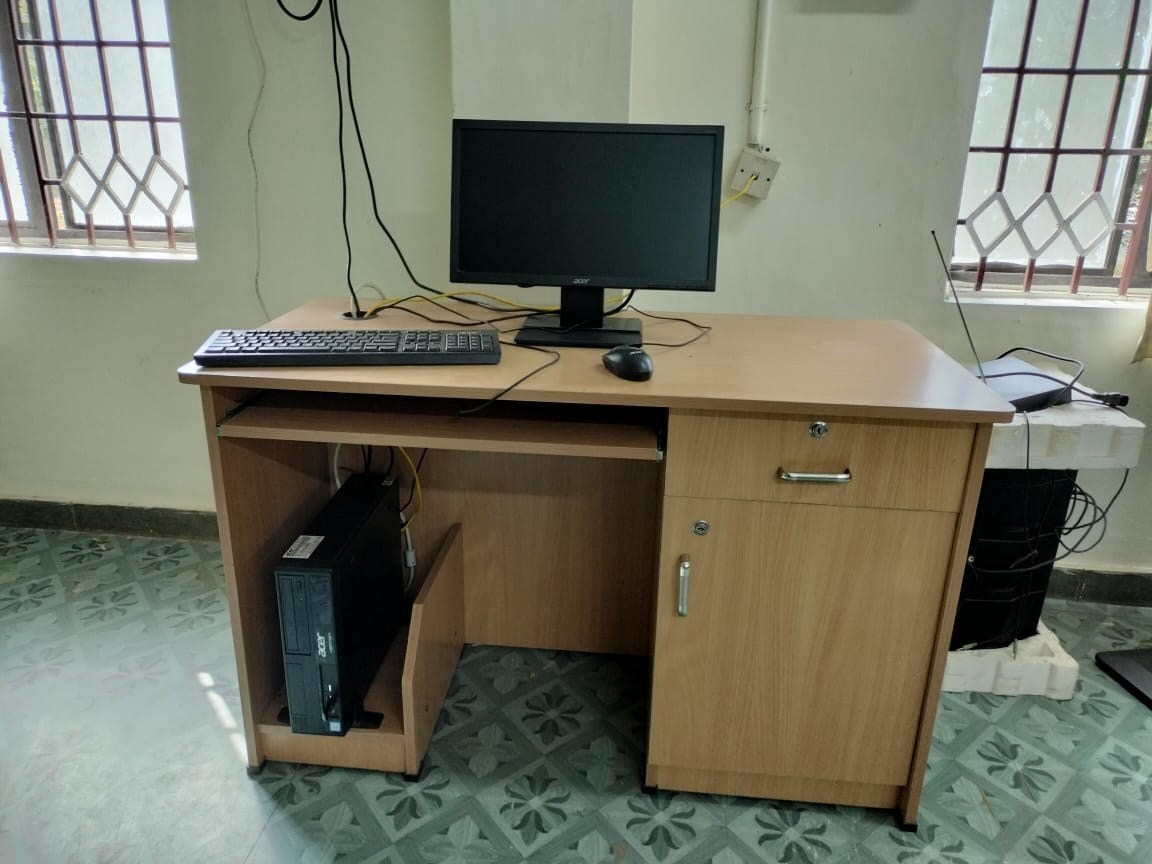
Measure the distance available between your normal sitting position and the screen location. Include keyboard space and the monitor stand's footprint. Do not push the keyboard into an uncomfortable place merely to make a larger display fit. Screen, desk, chair and input devices form one arrangement.
Consider text as well as workspace
Resolution and physical size interact with the scale of text and controls. More pixels can provide detail, but default text may feel small depending on the size and distance. Check operating-system scaling and the applications you use. A demonstration showing a full-screen photograph does not tell you whether a spreadsheet will be comfortable to read.
Try a familiar document at a representative distance where possible. Notice whether you lean forward or repeatedly turn your head to inspect the edges. The aim is usable information, not fitting the largest possible number of tiny windows on the panel. If two applications need to sit side by side, assess those actual windows.
Check adjustment and surroundings
Height and tilt adjustment can make placement easier. If the supplied stand cannot reach a suitable position, consider a compatible support only after checking weight, mounting pattern and desk suitability. A stack of unstable objects is not an equivalent substitute. Leave room for cables and any ventilation requirements.
Look for reflections from windows and lamps at the proposed location. Moving a screen sideways can sometimes improve the view more than changing its size. A curved display changes the geometry but does not remove the need to consider light and position.
Make a full-size outline
A paper or cardboard outline of the outer dimensions can reveal whether the screen will overwhelm the available space. Add the stand footprint and check access to nearby shelves. This will not simulate picture quality, but it can prevent an obvious size mistake before ordering.
Choose the combination that lets you read and arrange your work at a manageable distance. A larger screen is worthwhile when its space is usable; it is less helpful when the desk forces it too close or makes essential controls harder to reach.