Decide whether your hands stay on the screen
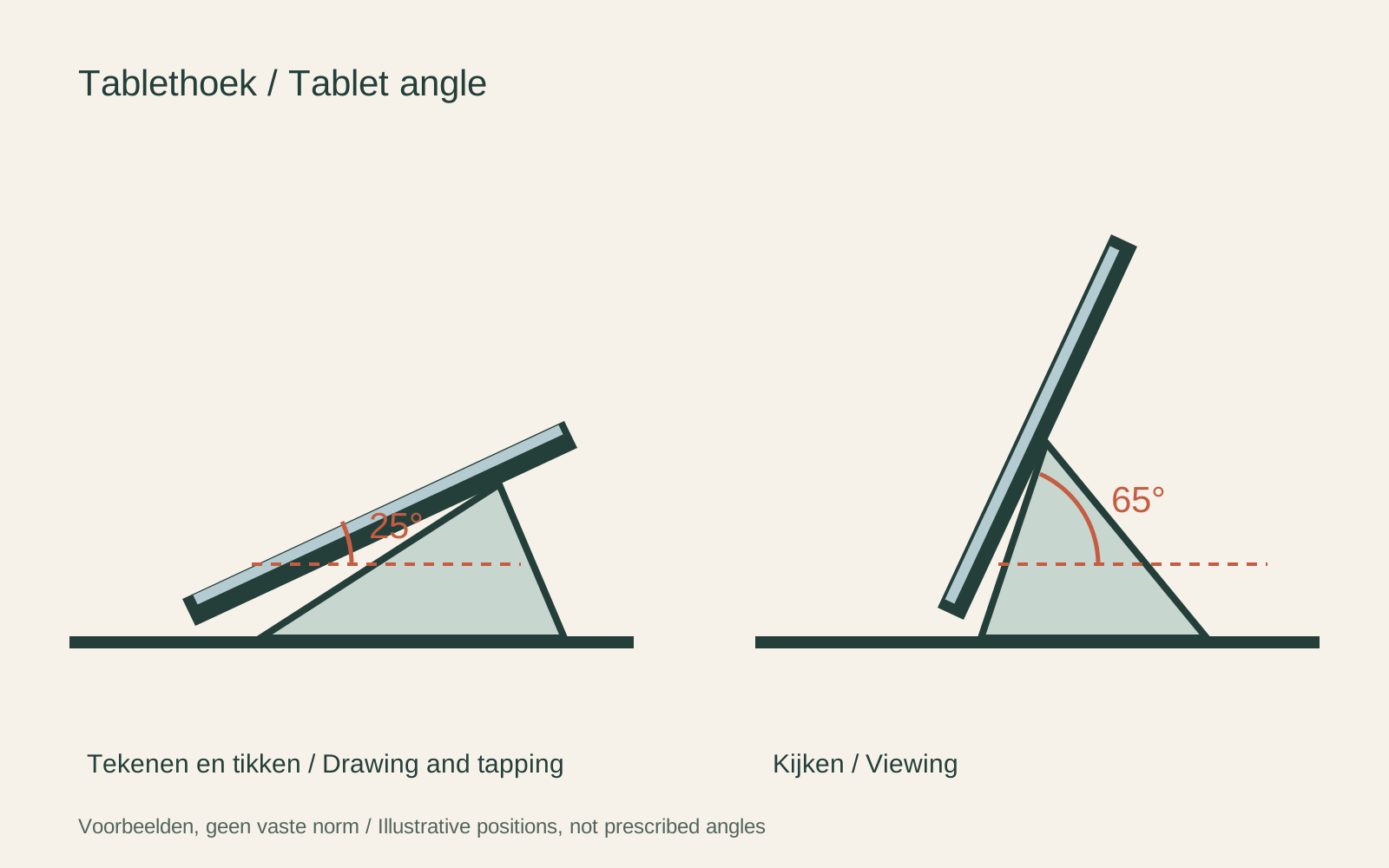
A stand for watching a film can hold a tablet at a fairly upright angle. Typing directly on the screen usually calls for another position and enough resistance to taps. Start with the task rather than a photograph of an attractive desk. If you use an external keyboard, include its space in the arrangement.
Try to distinguish angle adjustment from height adjustment. A hinge may tilt the tablet without raising it, while an arm can change both. More movement is not automatically better if the joints drift when the screen is touched. Check the intended device weight and adjustment instructions.
Measure with the case fitted
Compatibility should include the tablet's dimensions, thickness and weight in the form you use it. A protective case can prevent a clamp closing or make a retaining lip too shallow. Check whether the stand grips the edges without pressing buttons or covering a camera. Do not assume a diagonal screen-size range describes every case combination.
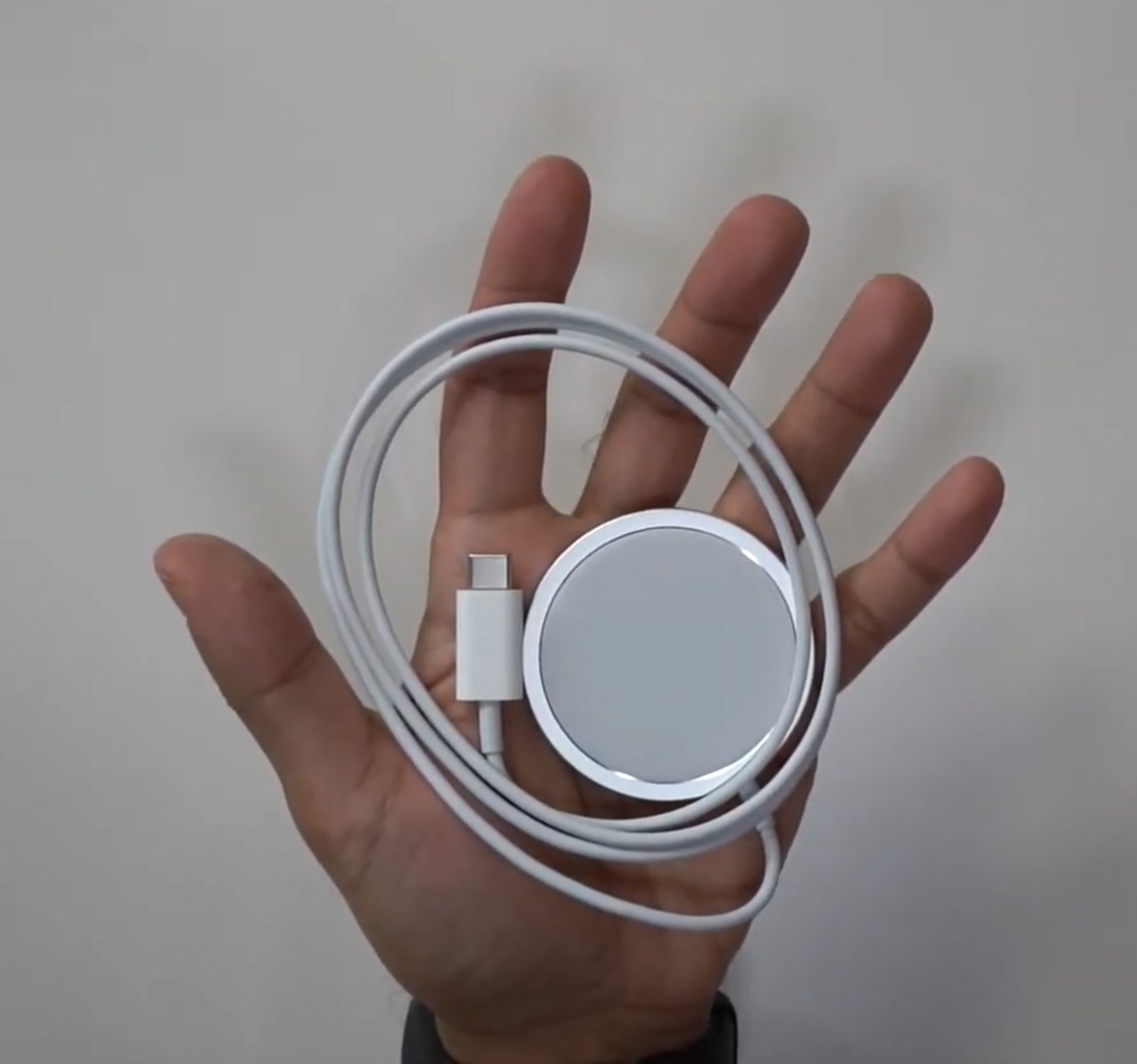
Look at the charging connector in portrait and landscape positions. A tablet may fit securely while its cable has nowhere to go. Allow space for the plug and a gentle bend. If the stand rotates, confirm that rotation does not pull a connected cable tight.
Check stability on your surface
A weighted base, folding support and desk clamp solve different placement problems. A clamp needs a suitable edge and surface thickness; a base needs enough clear space. Follow the load limits and avoid extending an arm beyond the positions described by its maker. The tablet's centre of weight changes as the arm moves.
For travel, inspect how the stand folds and whether loose parts can be lost. A pocket-sized support may be adequate for occasional viewing without being suitable for repeated screen tapping. Compare the task you will actually perform rather than expecting every folding stand to replace a fixed desk setup.
After setting up, test ordinary taps and swipes with one hand ready to support the device. Check that the tablet stays seated and that you can remove it without forcing the grip. A useful stand holds the chosen position, leaves controls accessible and fits the surrounding workspace.