Start with the question, then the number
A specification sheet often contains more information than you need for a decision. Begin with the questions that determine the purchase. Will the appliance fit on the shelf? Can it handle the intended quantity? Does it have the required connection? Each relevant number then has a purpose instead of the largest figure automatically taking priority.
Use the exact model reference to find the correct document. A manual covering a whole series may describe functions from several versions. Notice wording such as depending on model or optional. An illustration in that document is not automatically an inventory of your box contents.
Keep the units
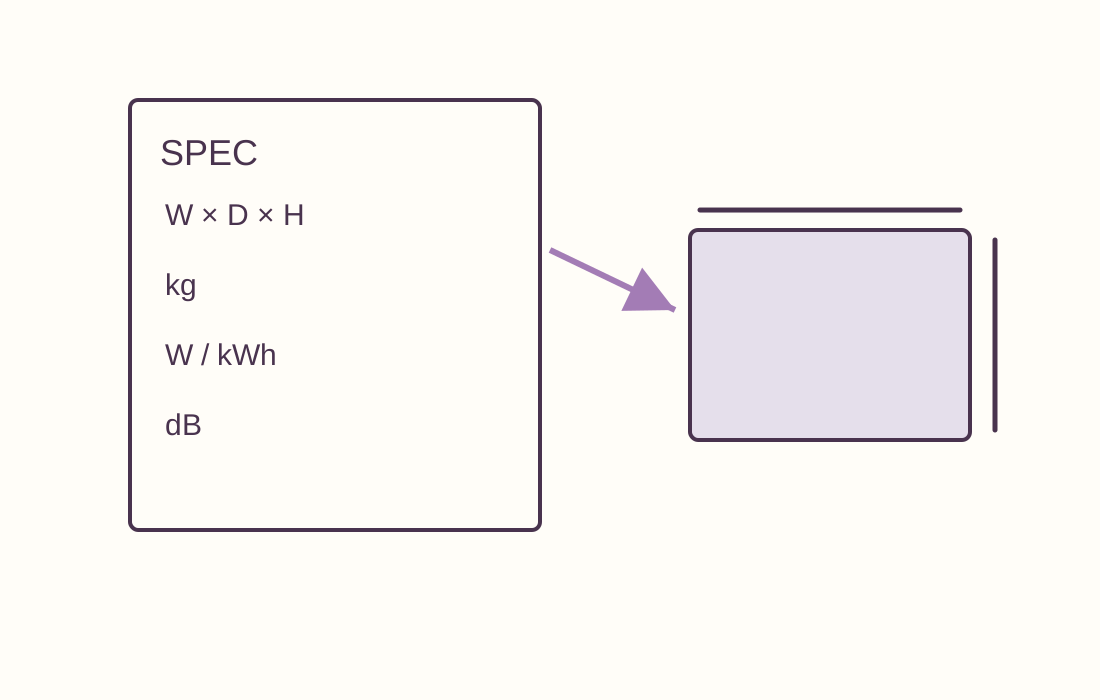
Dimensions may use millimetres or centimetres. Weight may describe the bare appliance or the complete package. Power in watts differs from energy use over time. Always retain the unit beside a value, including when copying information into your own table.
For example, an appliance 40 centimetres wide does not automatically fit a 40-centimetre compartment. It may need space for ventilation, cables, lid movement or removable components. The dimension describes the product, while installation instructions explain the space required in use. Keep both pieces of information together.
What has actually been measured?
Runtime depends on the selected setting. Maximum battery life may have been measured at lower output than you intend to use. Sound figures can describe different quantities and testing conditions. Compare numbers directly only when they refer to the same kind of measurement. Missing test information is an open question, not a reason to rank the figures anyway.
Capacity also needs context. Nominal litres do not describe the size of a usable surface or opening. Maximum loading for one programme need not apply to every mode. Find the note or table explaining the restriction. Small symbols beside a prominent figure can change its meaning substantially.
Feature, accessory or possibility
A port may be present without the required cable being included. A product may support an app without all functions working without an account. An accessory photograph may show an optional addition. Keep three separate notes: built in, included and needed separately.
Establish what a setting actually does. A maintenance reminder is not automatic maintenance; a timer may merely sound a signal or actually switch something off. The word automatic becomes meaningful only when the action is described. Read the operating section rather than relying exclusively on sales copy.
Handle missing information explicitly
Use a question mark for an unknown value. Do not enter zero, which looks like a confirmed measurement. Look for the official product page, manual or support information. If sources conflict, retain both with their dates and ask for clarification about the exact version.
A retailer can help with a practical question, but a general answer still needs to match the model. Ask specifically how much clearance is needed to remove a drawer, or which adapter appears in the parts list. Such questions are easier to verify than asking whether a product is good enough.
Finish with a short decision list
Summarise a few essential requirements and some preferences. A product missing a necessary dimension or connection does not become suitable because it scores impressive figures elsewhere. Keep the detailed sheet for future maintenance, but base the purchase on information that actually determines your use.