Begin with the call setup
Write down the computer or phone, connection and calling applications you will use. A headset that works for music is not automatically the most convenient choice for long calls. Check that the microphone is supported through the intended connection and that any required adapter carries microphone audio rather than headphones alone.
For a work computer, find out whether installing the headset's software is permitted. Useful features may depend on an application or an approved USB receiver. A physical mute switch can be valuable when software controls are out of view, but check whether its state is clearly indicated and whether it controls the microphone in your calling application.
Test a real sentence
Before an important call, select the intended microphone in both the operating system and the calling app. A computer can continue using its built-in microphone even while sound comes through the headset. Record a short sentence using the available test function, then listen for clipping, quiet speech or distracting room noise.
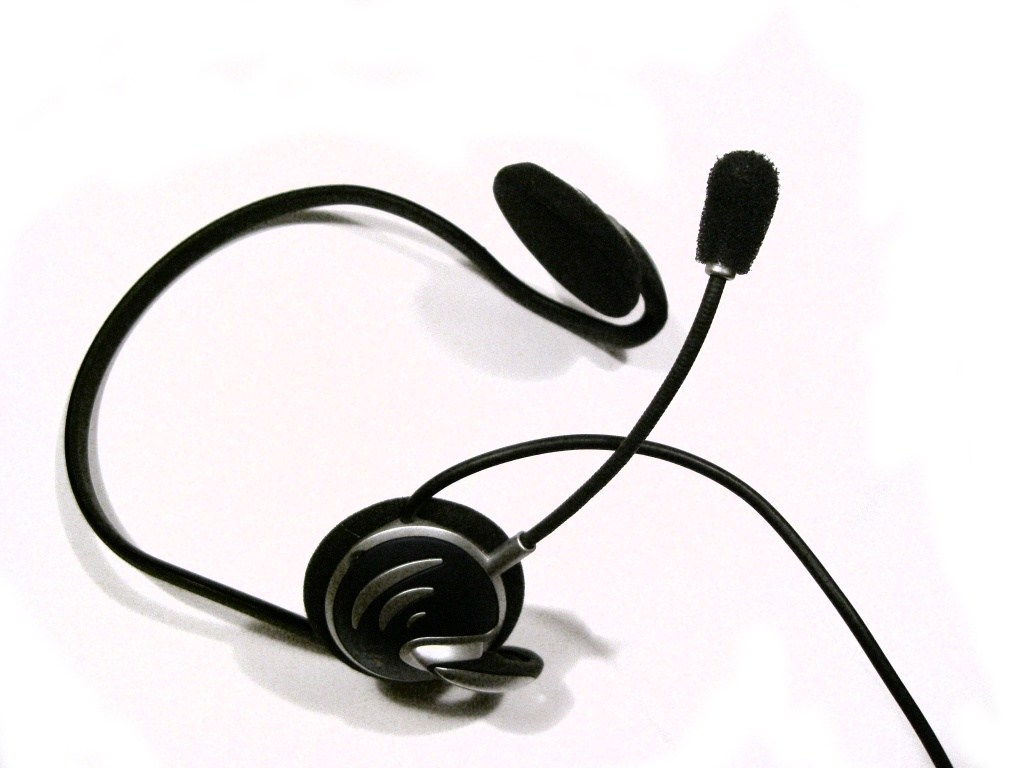
Position a movable boom according to its instructions. Moving it directly in front of your breath can produce a different result from placing it beside your mouth. Keep a consistent speaking distance while comparing settings. Changing position, microphone level and software processing together makes it harder to tell which change helped.
Consider the whole working day
Comfort matters beyond the first few minutes. Check the headband adjustment, pressure around glasses and whether you prefer one ear or both ears covered. A wireless model needs enough usable battery for your routine and a workable charging arrangement. A wired model needs a cable long enough to reach without pulling, but not so much loose cable that it catches on the chair.
Think about interruptions. Can you remove one earcup or mute without looking? Is the headset easy to put down without hitting the microphone boom? These small actions happen repeatedly in a shared home and may matter more than a dramatic sound description.
Separate equipment from the room
A new headset cannot remove every problem in a reflective or busy room. Try closing a nearby window, moving away from a noise source or changing the speaking position before buying more equipment. Compare recordings under similar conditions. Ask a willing colleague for a brief sound check, but do not represent that informal check as a laboratory test.
When choosing between models, prioritise a supported connection, intelligible speech, manageable controls and a fit you can tolerate for the actual call length. Keep the exact model reference because similarly named consumer and business versions may include different receivers or controls.