Try them with what you normally wear
Bring your glasses if you wear them while listening. Headphones that feel comfortable without glasses may press the arms against your head or seal differently once you put them on. Adjust both sides of the headband and check whether the cups surround your ears or rest on them. Over-ear describes a design, but it does not guarantee that every ear fits inside its opening.
Check whether your ear touches the inner lining. The outside size of a cushion is not enough to judge available space: the opening and depth matter. Move your head gently, look down and try the posture you normally use for reading or sitting at a desk. You should not need to keep sliding a cup back into position.
Weight is only one clue
Light headphones can press on a narrow spot, while a slightly heavier model may spread its weight over a broader headband. Notice the contact points rather than relying only on the number of grams. Do not force a model looser or bend its headband without manufacturer guidance; this can damage parts or change the fit unpredictably.
Cushions feel different in a brief comparison and after longer wear. Materials, room temperature and clamping pressure all contribute. When buying remotely, check the conditions under which you can assess the fit. Do not assume every opened or worn product has identical return conditions. Keep the packaging and avoid altering the product while deciding.
Include the room in the decision
Open headphones allow sound to escape and let more surrounding sound reach you. That may suit a quiet room of your own, but work less well when someone is sitting nearby. A closed design encloses the earcup; actual isolation still depends on the model and fit. Closed does not mean complete silence.
Active noise cancellation is a separate feature. Try it both on and off during fitting if the model permits this. Also consider the controls, cable route and whether you need to take calls. A pair that only stays comfortable while you sit perfectly still and look straight ahead is unlikely to match normal use.
Use the controls during the fitting
Find the volume and playback controls without taking the headphones off. Check whether you can distinguish them by touch, particularly when several small buttons sit next to each other. If there is a touch surface, try the gestures you expect to use rather than judging it from a picture. You should be able to adjust playback without repeatedly dislodging a cup or pressing the frame against your glasses.
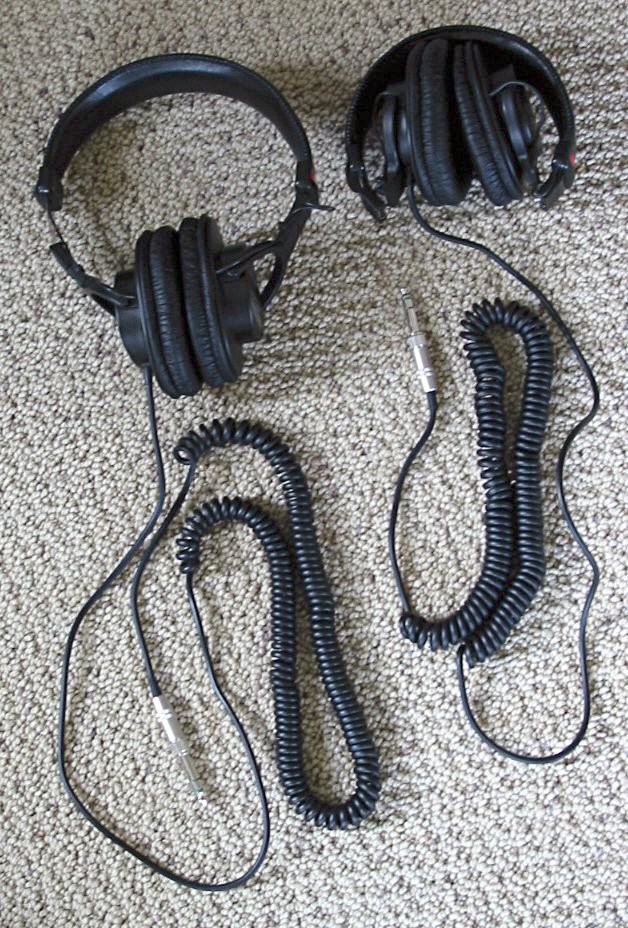
For a wired model, route the cable towards the device in its normal position. A cable that catches on a desk edge or pulls sideways can change how the headphones sit. For calls, check where a boom microphone rests and whether you can move it away without changing the headband adjustment. These are separate observations from audio quality, but they determine how much readjustment a normal afternoon might involve.
Check the parts that wear
Before buying, look for replacement ear cushions and their exact model references. A different cushion can change both the fit and the sound. With wired headphones, find out whether the cable can be replaced and whether its connector is standard or specific to the model. Include that information in the comparison without assuming parts will remain available indefinitely.
After trying a pair, write a short note about pressure around your glasses, space for your ears, stability and controls. Those observations are easier to revisit than a vague impression that a model looks luxurious. The aim is a combination that fits your use. A high price or an eye-catching shape does not establish that on its own.