Read the permission for your model
A tap symbol or rinseable head does not automatically mean a complete shaver can be used in the shower. Find which actions the manual permits: rinsing a removed component, cleaning the handle or actually shaving wet. Use the full model code because versions within a series may differ.
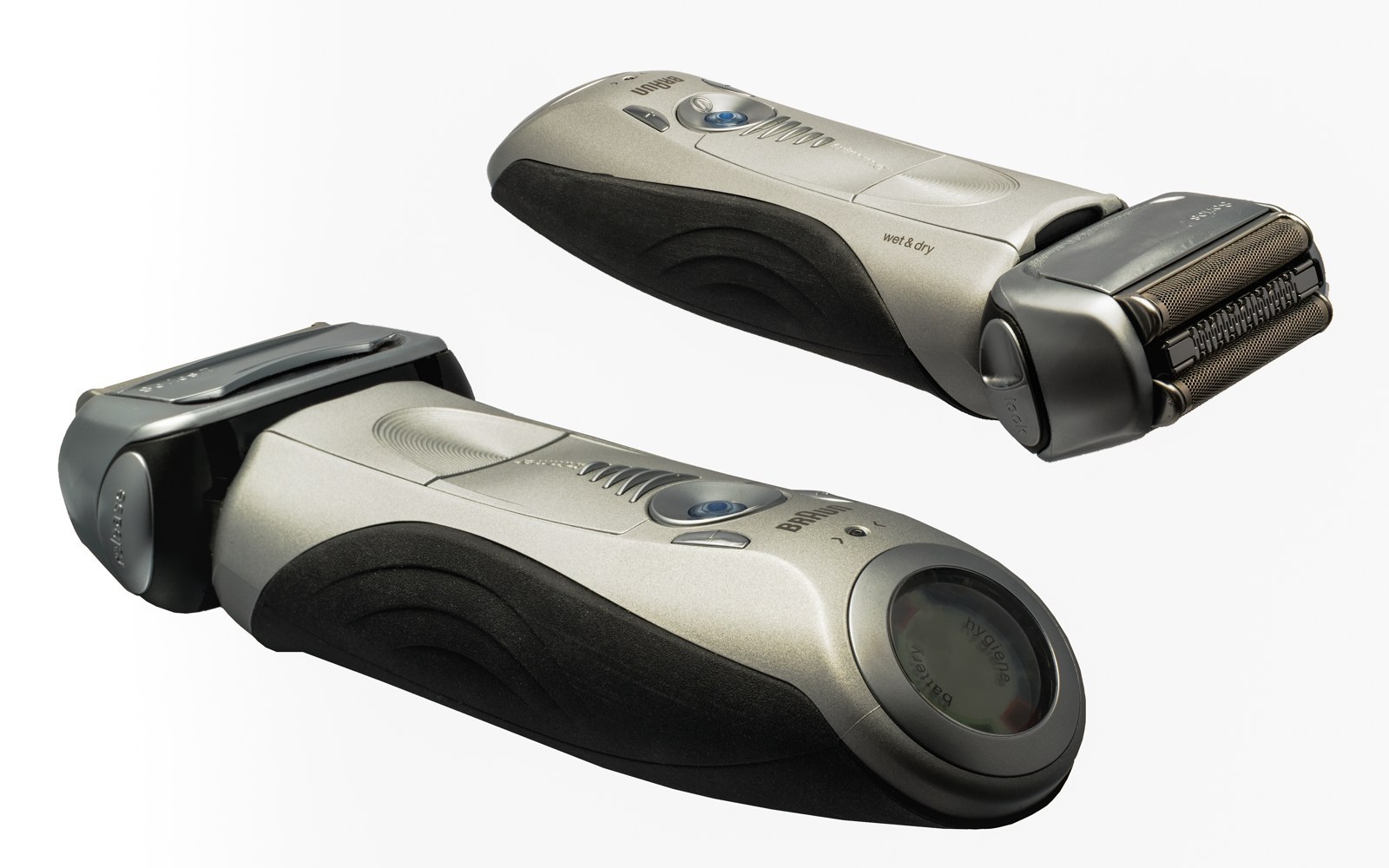
Braun's support information explicitly distinguishes cleaning with water from models designated Wet & Dry. That separation is a useful question for any brand. Do not borrow the description of a similar device as permission for the one you own. The exact device's instructions remain the reference.
Keep charging separate
A water-resistant handle does not make its adapter, cable or station water-resistant. Keep those parts outside the wet-use environment and follow their placement instructions. Never wet-shave while connected to mains power. Do not try to bypass a safeguard if the device will not operate while charging.
After cleaning, establish which surfaces must be dry before charging. Do not automatically place a dripping handle into its stand. A combined cleaning and charging station may have additional requirements concerning products used or remaining foam; consult its own instructions as well.
Do not assume every foam is suitable
Where wet shaving is allowed, read which products and method are specified. Not every preparation suits every device. Clean the head afterwards as directed so residues do not dry in openings. Do not mix cleaning products in an attempt to make a stronger solution.
The wet-or-dry choice says little about the required shaving movement or individual experience. Greater water resistance is not a general promise of greater comfort. Choose around the routine you intend to follow, including the consequences for cleaning, drying and storage after each use.
Check before ordering
Find the manual before purchase. If the product listing and instructions appear contradictory, ask the manufacturer about the exact code. Record separately which components may get wet and which need dry use. This prevents one large icon on the box from overshadowing the other conditions that determine how the device can be used.