Inspect the view you already have
Open your current camera preview and look at the frame. Is the camera too low, is a window behind you much brighter than your face, or is the image simply too wide? Those are different problems. Moving the computer or changing the direction of light may help more than replacing the camera immediately.
Decide how much of the room should appear. A broad field of view can include several people, but it may reveal more background than you want for a single-person call. Check whether framing can be adjusted and whether that requires software. Digital cropping may change the usable detail, so compare the result in the actual call application.
Read beyond resolution
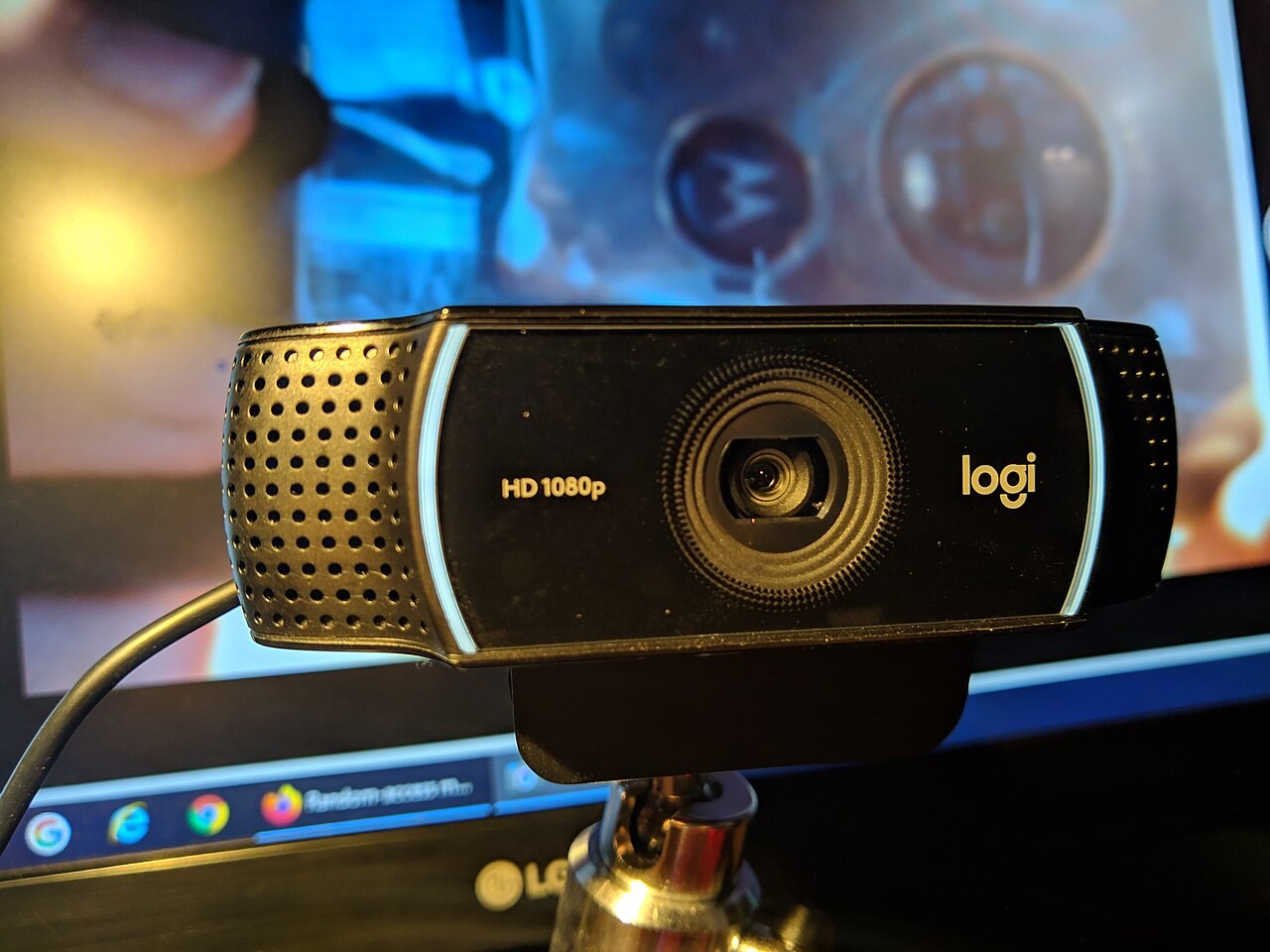
Resolution is not a complete description of a camera's performance in your room. Frame rate, focus behaviour and handling of changing light also matter. A high-resolution capture mode may not be the one your calling service uses. Check the supported modes and the computer requirements rather than assuming the largest number appears in every call.
Autofocus can be useful when showing objects, but it may also react when you move. Fixed focus has different limitations. Think about whether you remain at one desk distance or regularly hold documents near the lens. Choose the feature for that task rather than treating one focus label as universally better.
Plan the mount and microphone
Check how the camera attaches to your screen and whether it obscures part of the display. A thin monitor, laptop lid or separate tripod can need a different mounting arrangement. Include the cable route and available port. A camera perched insecurely on a stack of objects is not a finished setup.
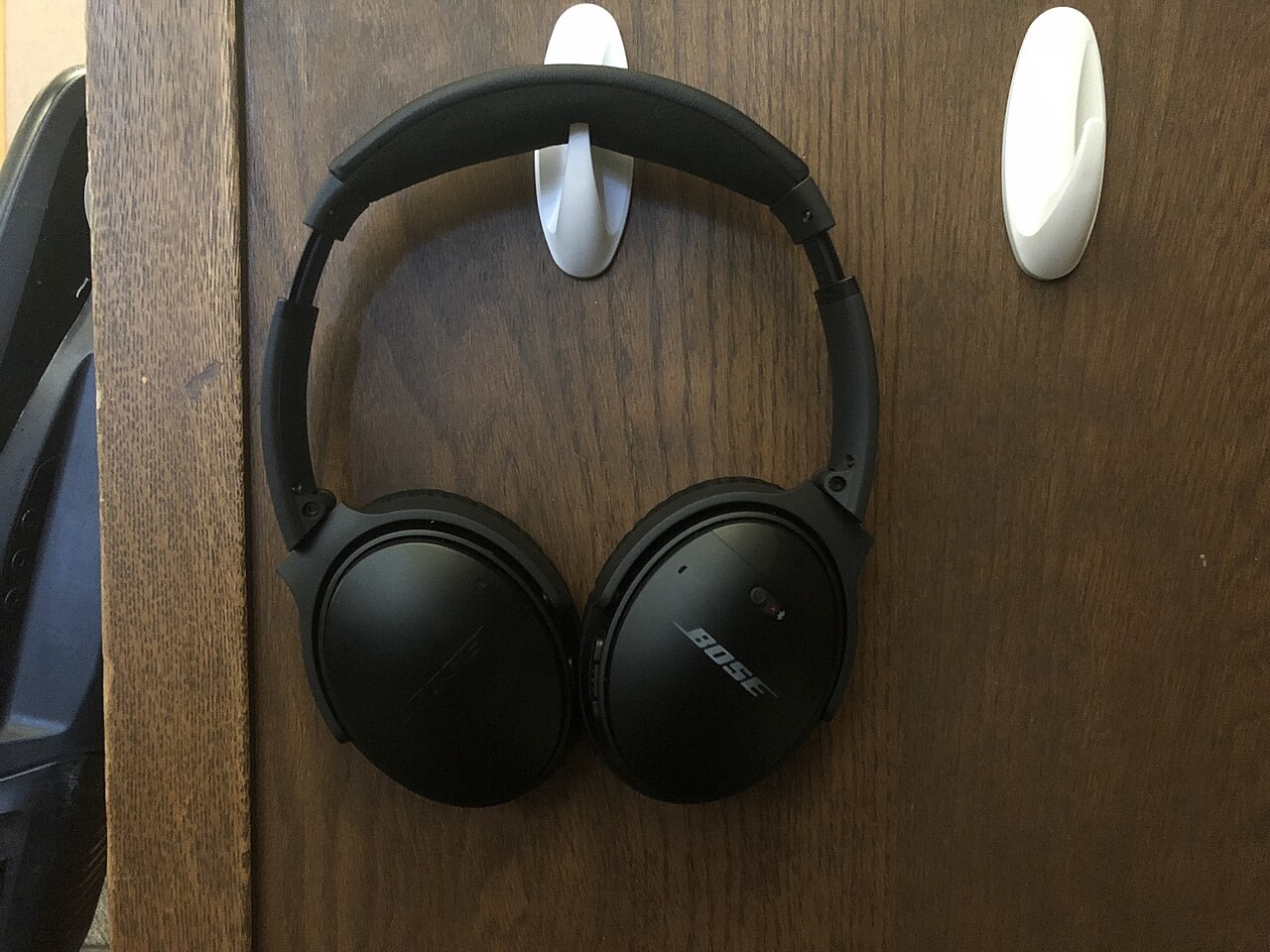
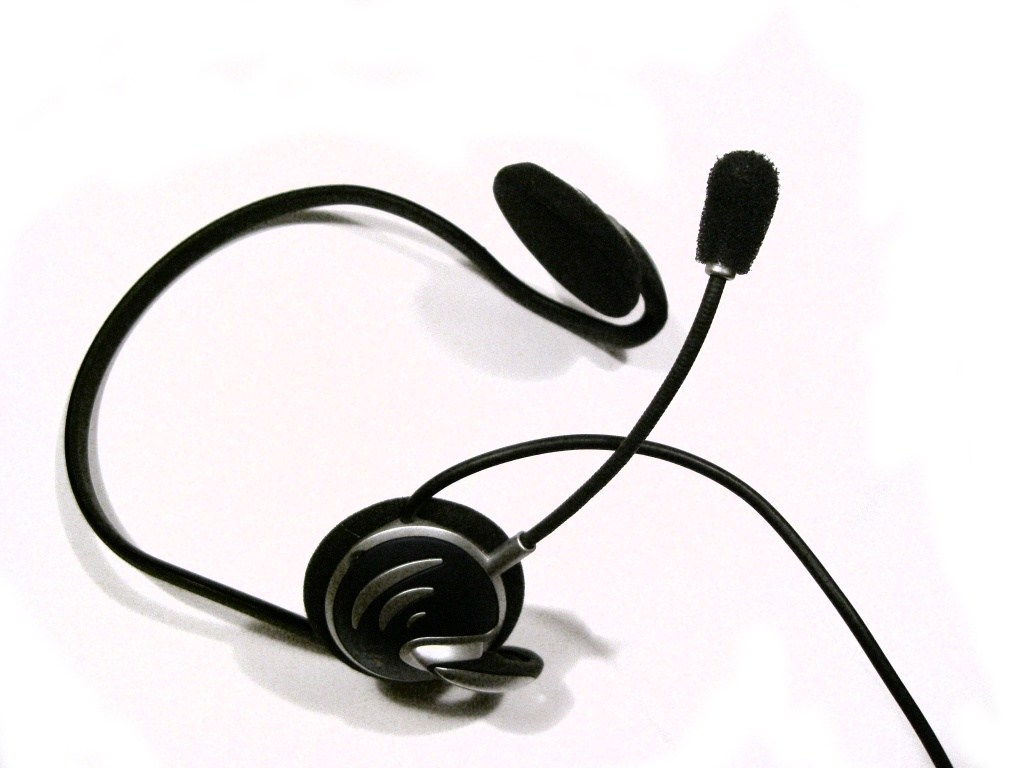
If you use a headset or separate microphone, select it explicitly in the calling app so the webcam microphone does not take over unexpectedly. If you intend to use the built-in microphone, make a short recording from your normal seat. The camera specification does not establish how clear your speech will sound.
Test the complete call
Check a preview in the application you actually use, at the time of day you normally call. Confirm camera permissions, selected microphone and any privacy shutter. Save a workable position rather than readjusting everything before each meeting. A modest webcam in a suitable position can be easier to live with than a higher-specification model fighting a poorly arranged room.