Start with the device manual
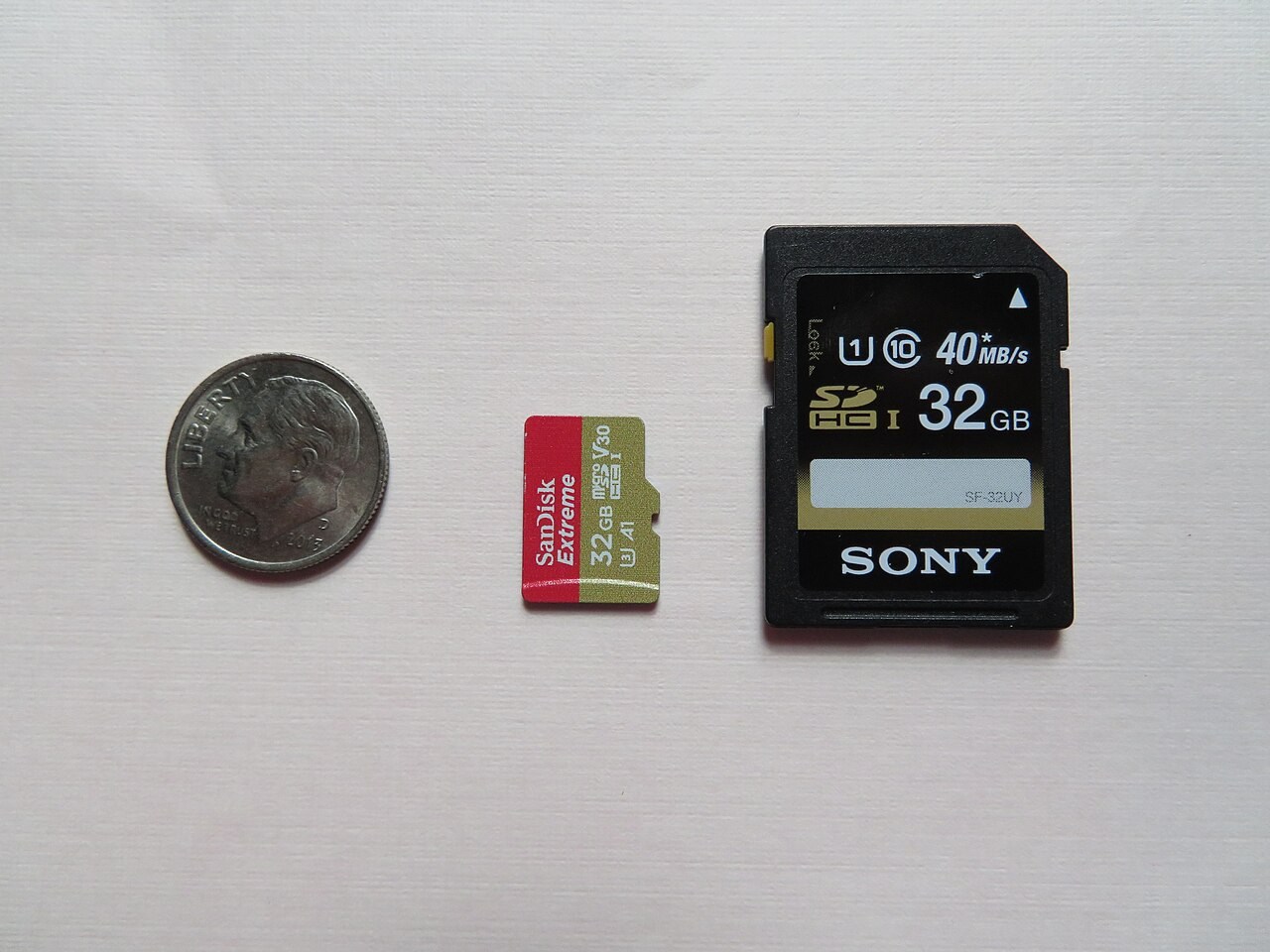
Find the supported card type and capacity range for the exact camera, recorder or other device. A card fitting physically does not prove full compatibility. Standard SD and microSD have different sizes, while card families and host support introduce further limits. An adapter changes the physical fit; it does not add capabilities that the host lacks.
If the manual lists an approved-card requirement for a demanding recording mode, use that information. A card suitable for still images may not meet the same sustained-writing requirement as a particular video setting. Check the mode you intend to use rather than a general statement that the device accepts memory cards.
Decode the relevant speed class
Maximum read speed often describes copying from the card under favourable conditions. Recording needs concern writing, and speed-class markings address defined minimum performance conditions. The SD Association explains the different class systems. Match the device's stated requirement rather than assuming that the most prominent number on the package answers every question.
A faster-rated card does not force the device to operate faster than its interface permits. Equally, an inexpensive card may be adequate when it meets the exact requirements. Spend on the capability you need, not on a logo you cannot connect to an actual use case.
Include the reader and workflow
For copying files to a computer, the card reader and its connection can become limits. Check whether your existing reader supports the card family and capacity. A new card paired with an old or unsuitable reader can create confusion that looks like a card problem.
Decide how you will transfer and verify files before deleting the originals. A memory card is not a long-term backup plan by itself. Keep another copy of important recordings and follow the device's instructions for removal and formatting. Formatting can erase contents, so do it only after the files you need are safely preserved.
Inspect the actual purchase
Buy from a source with clear product identification and return support. Check that the received model and capacity match the order. Test a new card with non-critical recordings in the intended device before depending on it for an event that cannot be repeated. Review the files after transfer, not merely the fact that recording started.
Keep cards protected from physical damage and label them in a way that does not interfere with contacts or insertion. A small, clearly managed collection of compatible cards can be easier to trust than a mixture of unlabelled cards with uncertain histories.