Define what a backup must restore
List the files and settings you would need if the main computer failed. A folder of documents, a photo library and a complete system recovery can require different backup methods. Choose the software or operating-system tool first, then check its storage requirements. Do not buy a drive and assume every backup application uses it in the same way.
Allow space for versions where the tool keeps them. A drive barely larger than today's files may leave little history as the collection grows. Read how the software handles a full destination: it may remove older backups, stop or ask for intervention. Understanding that behaviour is more useful than guessing a universal capacity multiplier.
Keep the copy independent
A second folder on the same physical drive does not protect against that drive failing. An external disk adds separation, but it can still be affected by events involving the same room or computer. Consider another copy appropriate to the importance of the files, and keep the arrangements understandable enough to maintain.
If the backup drive travels with the laptop, both can be lost together. If it never gets connected, the backup becomes stale. Decide when updates happen and where the drive lives between them. Automated backups help only when the necessary destination is available and the process actually completes.
Match the hardware to the routine
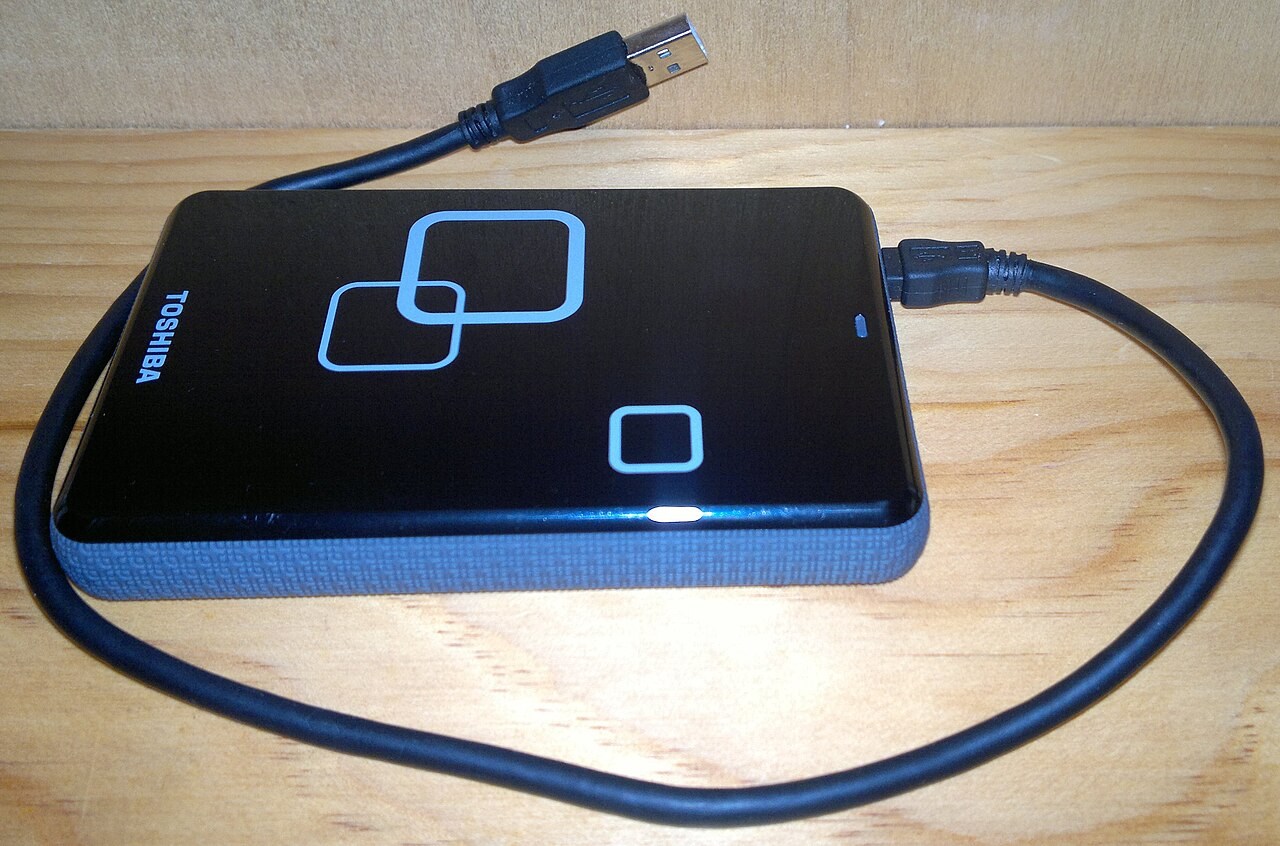
An SSD can be compact and convenient for frequent carrying, while a hard drive may offer a different capacity-and-cost balance. Compare the connection, supplied cable, power needs and physical placement. A desktop drive with a separate adapter needs a dependable place to sit and another socket; a portable drive still needs a supported connection.
Check encryption support if the backup contains private information. Record recovery details securely and separately from the disk. Encryption that nobody can unlock during a recovery is another form of inaccessibility. Follow the backup tool's instructions rather than applying incompatible changes after the archive has been created.
Rehearse a small recovery before an emergency
Create a harmless test document with a recognisable sentence, include it in a backup and then change the sentence in the working copy. Use the backup tool to restore the earlier version to a different folder. Opening it confirms more than the existence of a backup archive: it checks that you can find a version and recover it without overwriting the current work by accident.
Also ask how you would reach the backup if the original computer were unavailable. You may need another compatible computer, the backup application, an account or an encryption password. Keep the necessary recovery information somewhere you can access independently. A password saved only on the failed machine is not a useful recovery arrangement.
Do not perform a destructive full-system restore just to satisfy this check. A small-file exercise can establish the ordinary process, while the tool documentation explains broader recovery options. If your plan depends on replacing the whole computer, read those requirements separately and confirm which settings or applications the chosen backup actually includes. Files, system images and cloud-synchronised folders are not automatically equivalent forms of recovery.
Prove that a file comes back
After the first backup, restore a small non-critical file to a separate location and open it. Confirm that you understand which date or version you are restoring. Repeat a sensible check after major changes to the setup. A reassuring progress message is not the same evidence as a successful restore.
Keep a short note of the tool, destination and update routine. That note makes replacement or recovery less dependent on memory months later. The drive is one component of the plan; the plan succeeds when the files can be recovered.